
UserGuide
Homepage
The homepage of the Edo State Educational Certificate and Verification Platform serves as the starting point for all users. It offers quick access to core features, such as logging in, verifying certificates, and learning more about the platform.
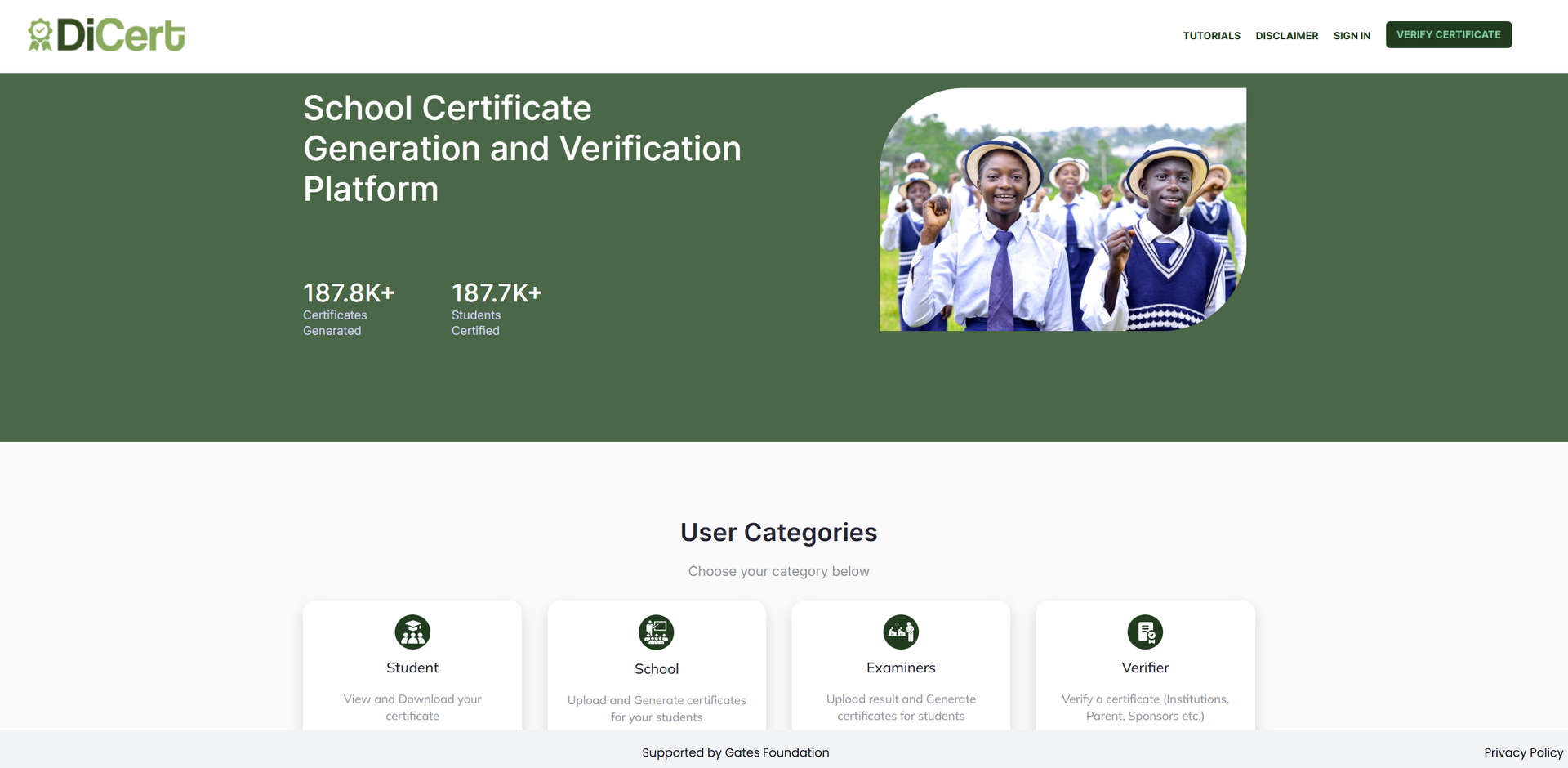
Header
At the top of the page, users can do the following:
- Sign In – Log into the platform using their appropriate credentials (student, school admin, examiner, etc.).
- Verify Certificate – Anyone can verify a certificate’s authenticity by:
- Entering the certificate number into the input field.
- Clicking the Verify button to instantly check the certificate’s validity without requiring login access.
User Categories
Users can access the platform as one of the following:
- Student – Access your personal account to view, download, and share academic certificates.
- School – School admins and teachers can manage student data, upload results, generate certificates, and oversee class performance.
- Examiner – Designated state-level examiners are responsible for reviewing and verifying student records.
- Verifier – External parties (institutions, employers, etc.) can authenticate student certificates.
Frequently Asked Questions
This section answers frequently asked questions about the platform.
Contact Form
The platform includes a user-friendly Contact Form. This allows users to reach out for support, ask questions, or provide feedback directly through the website.
Footer
- Privacy Policy – Link to the platform’s data and privacy usage terms.
- Sponsor – The platform is sponsored by the Gates Foundation.